

Why You Should Use a VPN Abroad

If you’ve ever connected to free Wi-Fi at an airport, hotel, or café while traveling, you’ve likely put your personal data at risk. A VPN, or Virtual Private Network, is a simple tool that creates a secure, encrypted “tunnel” between your device and the internet. This means your emails, passwords, and browsing activity are hidden from hackers and snoopers—even on unsecured public networks.
Public Wi-Fi is notorious for security issues. According to a 2023 report from the Identity Theft Resource Center, cybercriminals increasingly target travelers using open networks in airports and hotels to steal sensitive information. These attacks can happen without warning, and you might not even realize your data has been intercepted until it’s too late.
When you use a VPN, your internet traffic is encrypted, so even if someone manages to intercept it, they can’t read or misuse your information. This is especially important if you’re logging into your bank, accessing work emails, or booking cheap international flights through sites like cheapfareguru.com while on the road. I felt much more secure booking my last trip itinerary online after connecting to a VPN at the airport lounge, knowing my payment details were protected.
Beyond security, a VPN also boosts your privacy by masking your location and making your online activity much harder to track. This can help you access region-locked content or avoid targeted ads and price hikes based on your location. For instance, if you’re comparing flight deals or checking your bank account from a hotel room in another country, a VPN keeps your personal details out of reach from prying eyes.
How To Choose The Right VPN

Picking a VPN for international travel isn’t just about price—it’s about finding a service that keeps your data safe, works on all your devices, and doesn’t slow you down. When I was prepping for a recent trip, I spent extra time looking for a VPN with a one-click interface, which made it much easier to connect securely on hotel Wi-Fi and in airports.
Key VPN Features For Travelers
- Reliability: Choose a VPN known for consistent connections, especially if you’ll need access in remote areas or during busy travel times.
- Strong Encryption: Look for services offering at least AES-256 encryption to keep your personal info protected.
- No-Log Policy: A strict no-log policy means your browsing activity won’t be stored or shared.
- Device Support: Make sure the VPN supports all your devices—phones, tablets, and laptops. For families or groups, check how many devices can connect at once; some plans allow around five devices per account.
- Server Locations: More server choices let you access content from home or bypass local restrictions more easily.
- Speed: Fast servers are essential for streaming, video calls, or uploading travel photos without frustration.
Free vs. Paid VPN Options
Free VPNs can be tempting, but they often come with serious drawbacks: slower speeds, limited server locations, and a higher risk that your data may be logged or sold. Paid VPNs typically offer stronger privacy, better speeds, and more reliable customer support. I’d compare both options using a trusted review site like Tom’s Guide’s VPN reviews before you decide.
Common VPN Mistakes To Avoid
- Relying on a free VPN that tracks or sells your data.
- Choosing a service that’s too complicated to use on the go.
- Ignoring device limits—this can leave someone in your group unprotected.
- Not checking if your VPN works in countries with internet restrictions. Some places block VPNs or require you to use government-approved services. Always check local regulations before you travel.
If you’re packing for a group or family, I recommend prioritizing a VPN with a simple interface and enough device slots for everyone. It’s also worth reading our tech travel checklist for more ways to prep your gadgets before departure.
Step-By-Step Guide To Using A VPN Abroad
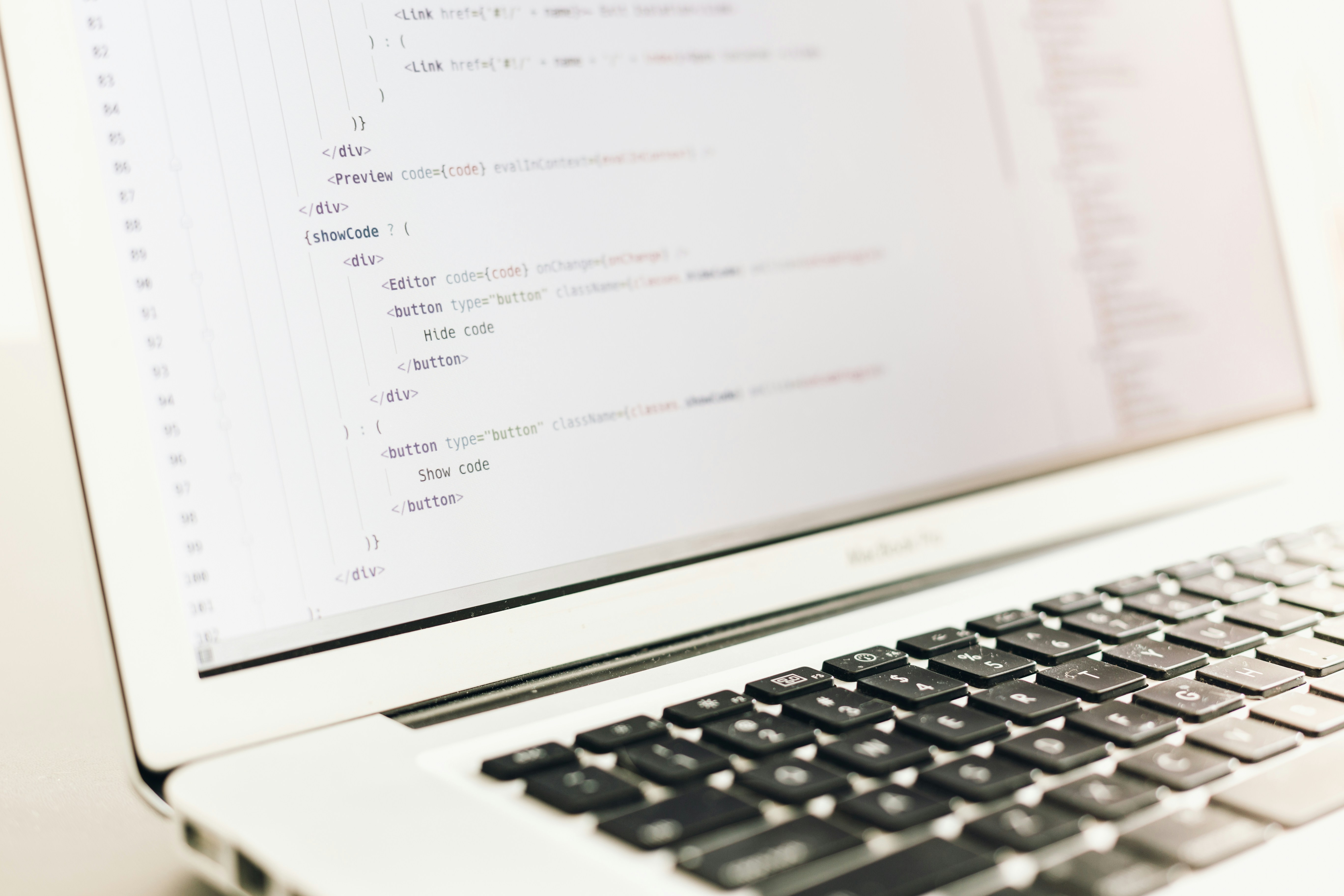
Getting your VPN up and running while abroad is simpler than it sounds, even if you’re not a tech whiz. Here’s how I typically set up a VPN on my laptop and phone before heading out, and what to do if something doesn’t go as planned.
Install VPN On Your Device
Start by choosing a reputable VPN provider and downloading their app from the official website or app store. For Windows or Mac, download the installer, open it, and follow the on-screen prompts. On Android or iOS, search for the VPN app in Google Play or the App Store, then tap “Install” or “Get.” Once installed, open the app and sign in with your account credentials.
Log In And Choose A Server
After launching your VPN app, log in with your username and password. Most VPNs present a map or list of server locations. For the best speeds, pick a server close to your actual location. For example, if you’re in Paris, select a server in France or nearby Western Europe. Tap “Connect” and wait for confirmation that your VPN is active—usually shown by a green light or a lock icon.
Connect Safely On Public Wi-Fi
Before connecting to hotel or airport Wi-Fi, turn on your VPN first if possible. If you must log in to Wi-Fi before activating the VPN, connect to the network, then immediately switch on your VPN before entering any sensitive information like passwords or credit card details. I always double-check my VPN status before opening any banking or email apps.
Troubleshooting Common VPN Issues
If your VPN won’t connect, try switching servers or restarting the app. The first time I tried my VPN at a hostel, I had to try switching servers to get it to work. If the connection is slow, disconnect and pick a closer server. If a network blocks VPN traffic, enable any “stealth” or “obfuscated” mode your VPN offers—this can help bypass restrictions.
Sample Workflow: Hotel Wi-Fi And VPN
- Arrive at your hotel and connect to the Wi-Fi network.
- Open your VPN app and select a nearby server.
- Wait for the VPN to confirm it’s connected (look for a lock icon).
- Only then, log in to your email, bank, or any site with personal info.
If you’re looking for tips on what to do once you land, check the arrival guides on cheapfareguru.com for destination-specific advice.
VPN Security For Online Bookings

Booking flights or hotels online while traveling often means connecting over public Wi-Fi—think airport lounges, coffee shops, or hotel lobbies. These networks aren’t always secure, and entering your credit card or logging into booking and banking sites without protection can expose your data to snooping or theft. I learned this the hard way after a sketchy café Wi-Fi session left my inbox full of suspicious login alerts.
This is where a VPN (Virtual Private Network) comes in. A VPN encrypts your internet connection, making it much harder for anyone on the same network to intercept your information. When I’m about to pay for a flight on cheapfareguru.com or check my bank account from abroad, I always double-check that my VPN is running. It’s a simple step that gives me peace of mind, especially in unfamiliar places.
Risks Of Booking Without VPN
Public Wi-Fi is a favorite hunting ground for hackers. If you’re entering payment details or logging into sensitive accounts without encryption, your data is vulnerable. Some banks and major booking sites, like Booking.com, even recommend using a VPN for secure transactions—especially when traveling (source).
Can VPNs Change Flight Prices?
There’s a persistent myth that using a VPN to change your location can “unlock” better fares or dodge dynamic pricing on booking sites. In reality, most major travel sites—including cheapfareguru.com—use sophisticated systems that factor in more than just your IP address. While you might occasionally see minor differences, I’d compare prices with and without the VPN, but I treat VPNs primarily as a security tool, not a secret discount hack.
Extra VPN Benefits For Travelers
Besides security, a VPN can help you access travel sites or booking platforms that may be blocked in certain countries. This came in handy for me when I tried to check flight options from a region with heavy internet restrictions. With my VPN, I could reach the sites I needed without hassle.
If you want to dig deeper into protecting your travel bookings, check out this guide on avoiding hidden booking fees for more security and savings tips.
Common VPN Travel Mistakes To Avoid

Even experienced travelers can slip up when using a VPN abroad. I once let my VPN app go out of date during a trip and didn’t realize it until I couldn’t access a banking site—talk about a stressful wake-up call. Here are the most common VPN mistakes I see (and how to fix them fast):
Frequent VPN Mistakes Abroad
- Connecting to Wi-Fi before activating your VPN. Always turn on your VPN before joining any public network. If you connect after, your data may already be exposed.
- Using weak or repeated passwords. Don’t recycle the same password for your VPN and other accounts. Use a unique, strong password for your VPN login to stay protected.
- Choosing unreliable or free VPN providers. Free VPNs might log your data or lack proper security. Stick with reputable, paid services for genuine protection.
- Forgetting to update your VPN app. Outdated apps can have security holes. Before every trip, check for updates and install the latest version.
- Leaving your VPN on when it’s not needed. Some apps or sites may not work properly with a VPN. Disconnect only when you’re on a secure, private network, and remember to reconnect when you’re back on public Wi-Fi.
Quick Troubleshooting Solutions
- If you forget to turn on your VPN before joining Wi-Fi, disconnect and reconnect with your VPN enabled.
- If your VPN won’t connect, check for app updates or try switching server locations in the app settings.
- If you’re locked out of an account, try disabling the VPN temporarily (on a secure network), then re-enable it once you’re done.
Checklist For Secure VPN Use
- Enable your VPN before connecting to public Wi-Fi.
- Update your VPN app and device software regularly.
- Use a strong, unique password for your VPN account.
- Check that your VPN is running before entering sensitive information online.
- Set your VPN app to auto-connect on new networks.
- Disconnect the VPN only on trusted, private networks.
If you skip these steps, you risk exposing personal data, losing access to streaming or banking sites, or even facing account lockouts. If something goes wrong, I’d recommend disconnecting from Wi-Fi, updating your VPN app, and reconnecting through a trusted server. For more practical travel tech tips, check out the cheapfareguru.com blog’s section on staying connected and secure abroad.
VPN Costs In Your Travel Budget

Adding VPN protection to your travel budget is simpler—and more affordable—than most people expect. Whether you’re backpacking, booking a mid-range getaway, or enjoying a luxury escape, the cost of reliable VPN coverage is a small fraction of your overall expenses. I’ll admit, the first time I broke down my trip costs, I was surprised at how little VPN security added to the total.
| Accommodation | Food | Transport | Activities | VPN | |
|---|---|---|---|---|---|
| Budget | $25.00 | $10.00 | $5.00 | $15.00 | $6.00 |
| Mid-range | $75.00 | $20.00 | $15.00 | $40.00 | $12.00 |
| Luxury | $250.00 | $60.00 | $40.00 | $120.00 | $15.00 |
As you can see, even at the luxury level, a month of VPN service is still less than a single meal out. It’s a practical upgrade for anyone concerned about online privacy or accessing content while abroad. If you’re planning your trip budget, check out the budget travel guides on cheapfareguru.com for more ways to keep costs in check.
VPN For International Travel Questions
- Is a VPN legal to use abroad?
In most countries, using a VPN for international travel is legal, but there are exceptions. Places like China, Russia, and the UAE have strict rules or even bans on VPN use. Always check the local laws before connecting. I usually recommend researching your destination’s policies well before your trip.
- Can a VPN help me book cheaper flights or hotels?
Sometimes, using a VPN for international travel can help you find different prices by changing your virtual location. You might see lower fares or hotel rates when searching from another country. Try clearing your cookies and switching VPN server locations to compare options before booking.
- What’s the best VPN for international travel?
Look for a VPN that offers strong encryption, reliable speeds, and a wide selection of global servers. In my experience, apps with easy mobile support and 24/7 customer service are the most practical for travelers. Test your VPN at home before your trip to avoid surprises on the road.
- Do I need a VPN on my phone too?
Yes, it’s smart to install your VPN on your phone as well as your laptop. Public Wi-Fi at airports and hotels can be risky, and a VPN helps protect your personal data. Make sure your VPN app is updated and set to connect automatically on unfamiliar networks.
- Can I watch U.S. streaming content abroad with a VPN?
Many travelers use a VPN to access U.S. streaming services while overseas. Choose a VPN with servers in the U.S. and test it with your streaming account before departure. Keep in mind that some platforms may block certain VPNs, so have a backup plan if needed.
- How do I troubleshoot VPN issues while traveling?
If your VPN won’t connect, try switching servers or restarting the app. Sometimes, local firewalls block certain VPN protocols, so changing the connection type in your app settings can help. If you’re stuck, check your provider’s help site or contact support using hotel Wi-Fi.
- How do I set up my VPN before a trip?
Download and install your VPN app on all your devices before leaving home. Log in and test connecting to a few international servers. I always double-check my VPN app before heading to the airport, just to be sure everything’s ready to go for secure browsing abroad.
If you want more privacy advice or destination-specific safety tips, check out the travel safety resources on cheapfareguru.com.
Wrap-Up: Staying Secure While Abroad
Using a VPN is one of the simplest ways to protect your data and privacy while traveling. It shields your information on public Wi-Fi, keeps your bookings private, and lets you access your favorite sites from anywhere. In my experience, the peace of mind that comes with secure browsing is well worth the small effort it takes to set up.
Before your next trip, take a few minutes to prepare your devices, try a VPN at home, and consider reviewing a practical travel checklist for digital security. A little planning now can help you avoid headaches later.