
Pack Electronics Cables for Travel Convenience
When it comes to travel efficiency, organizing your electronics cables plays a crucial role in ensuring your devices are always ready for use. Messy, tangled cords and misplaced chargers can lead to frustrating delays, especially when you’re on a tight schedule or rushing through airport security checkpoints. Properly packing cables not only keeps your tech essentials accessible but also safeguards them from damage and loss.
Many travelers face common issues such as cables tangling into knots, which wastes time detangling and can damage the wires. Losing a charger or not packing the right adapters often means scrambling to buy replacements at inflated airport prices. Additionally, disorganized cable packing contributes to unnecessary bulk, increasing your baggage weight and potentially leading to extra fees.
Using a detailed packing checklist focused on electronics cables simplifies this process significantly. A checklist helps ensure you don’t forget essential items like charging cords, USB cables, power banks, or travel adapters. It also encourages mindful packing, so you bring only what’s necessary, minimizing clutter and luggage weight.
This section will guide you through practical tips to streamline how you pack your electronics cables, including storage solutions and effective organization techniques. Additionally, we’ll point to trusted resources like CheapFareGuru that help travelers optimize packing and find budget-friendly tech gear for travel. With a little foresight and structure, you can leave behind cable chaos and enjoy a smoother, hassle-free journey.
Select Essential Electronics Cables to Pack
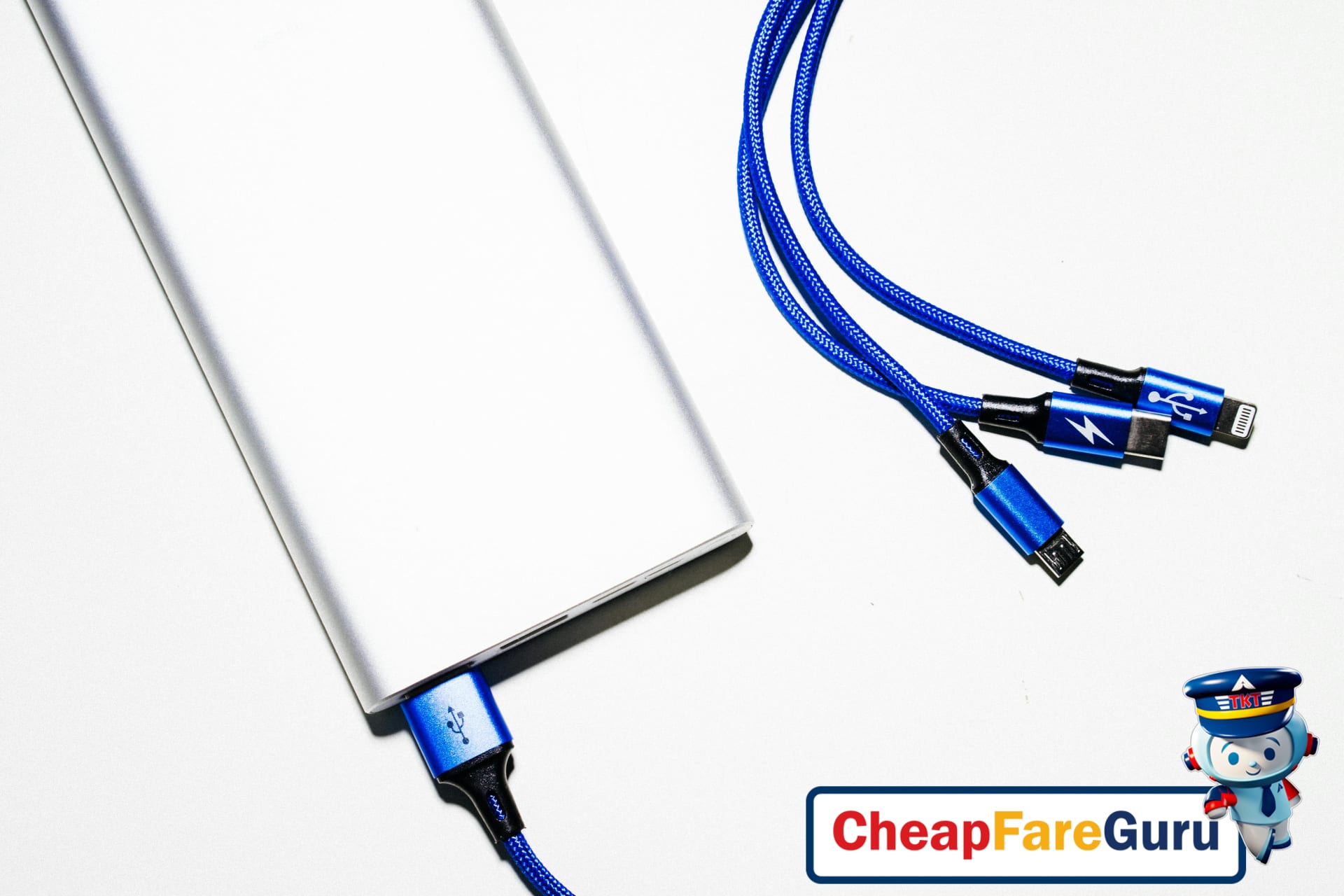
When preparing for a trip, packing the right electronics cables can make a huge difference in staying connected and powered up. Different travelers need a tailored assortment of cables, depending on trip length, purpose, and devices. Here’s a detailed guide to the essential cables every traveler should consider, including quantities by travel type and trusted brand recommendations.
Must-Have Cable Types for Travelers
- USB-A: The classic connector found on most chargers and power banks, useful for older devices.
- USB-C: Increasingly common as a universal cable for newer smartphones, tablets, laptops, and chargers.
- Lightning: Essential for any Apple devices like iPhones, iPads, and AirPods.
- HDMI: Handy for connecting laptops or streaming devices to hotel TVs or projectors.
- Ethernet: Useful for reliable wired internet in hotels where Wi-Fi may be slow or spotty.
- Headphone cable (3.5mm): For wired headphones or devices lacking Bluetooth.
- Charging cables: Multi-purpose cables or specific chargers compatible with your devices.
Recommended Quantities by Trip and Traveler Type
Overpacking cables adds bulk, but underpacking can lead to frustration. Adjust your cable selection based on trip duration and traveler needs:
- Short Leisure Trips (1–3 days):
- One USB-C cable and one Lightning cable.
- Optional: HDMI if you plan to mirror content in hotel rooms.
- Long Leisure Trips (4+ days):
- Two USB-C cables for simultaneous device charging.
- One Lightning and one headphone cable.
- Include Ethernet if you prefer wired internet in accommodations.
- Business Travel:
- Two USB-C cables for laptop and smartphone.
- One HDMI cable for presentations.
- One Ethernet cable for stable connections.
- One Lightning cable for Apple devices.
- Family Travel:
- Multiple USB-A and USB-C cables to cover various devices.
- At least two Lightning cables if there are Apple users.
- Additional headphone cables for shared entertainment.
Brand Recommendations for All Budgets
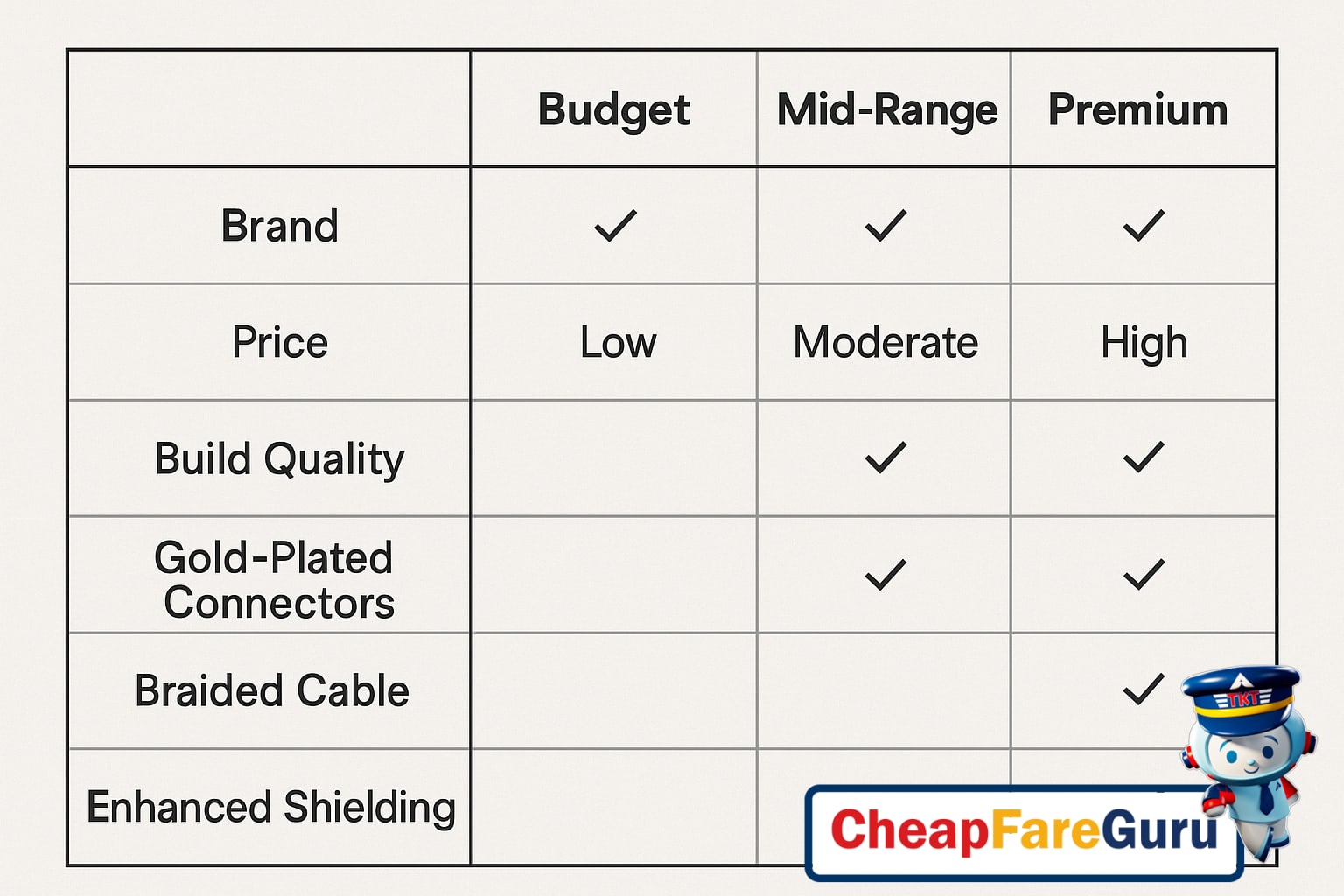
Selecting reliable cables is crucial since subpar cords can cause slow charging, poor connectivity, or break easily during travel. Here are trusted brands across different price points, focusing on durability and dependability:
- Budget: Amazon Basics – Affordable cables offering decent quality for occasional travelers and short trips. They cover common cable types and come with warranty protection.
- Mid-Range: Anker – Known for robust construction and fast charging technology, Anker cables are perfect for frequent flyers and business travelers who need dependable gear.
- Premium: Belkin – Offers top-tier durability, advanced shielding, and certifications like MFi for Apple devices, ideal for tech-savvy travelers who value longevity and performance.
Brand-Feature Comparison Chart
| Brand | Price Range | Durability | Charging Speed | Warranty | Best For |
|---|---|---|---|---|---|
| Amazon Basics | Budget | Moderate | Standard | 1 Year | Casual Travelers, Short Trips |
| Anker | Mid-Range | High | Fast Charging | 18 Months | Frequent Flyers, Business Trips |
| Belkin | Premium | Very High | Fast & Stable | 2 Years | Tech Enthusiasts, Power Users |
Use Space-Saving Packing Techniques
Efficiently packing your cables can make a big difference in saving space and avoiding frustrating tangles during travel. Start by mastering cable coiling techniques. The best practice is the “over-under” method, which alternates the coil direction to prevent strain and maintain the cable’s shape. This way, your cords stay neat, and there’s less chance of damage or knotting.
Once coiled, separate each cable to keep them organized and untangled. Use simple accessories like cable ties or twist ties to secure each coil gently. These inexpensive tools prevent cables from unraveling inside your bag and make it easier to switch out different cords without creating a mess. Additionally, small pouches or zippered compartments are ideal for grouping cables by type — USB chargers in one, audio cables in another, for example.
For travelers who carry multiple gadgets, dedicated cable organizers are a game changer. These compact cases feature elastic loops, mesh pockets, and dividers designed specifically to hold cords, chargers, adapters, and earbuds securely. Their structure protects cables from excessive bending and maximizes packing efficiency.
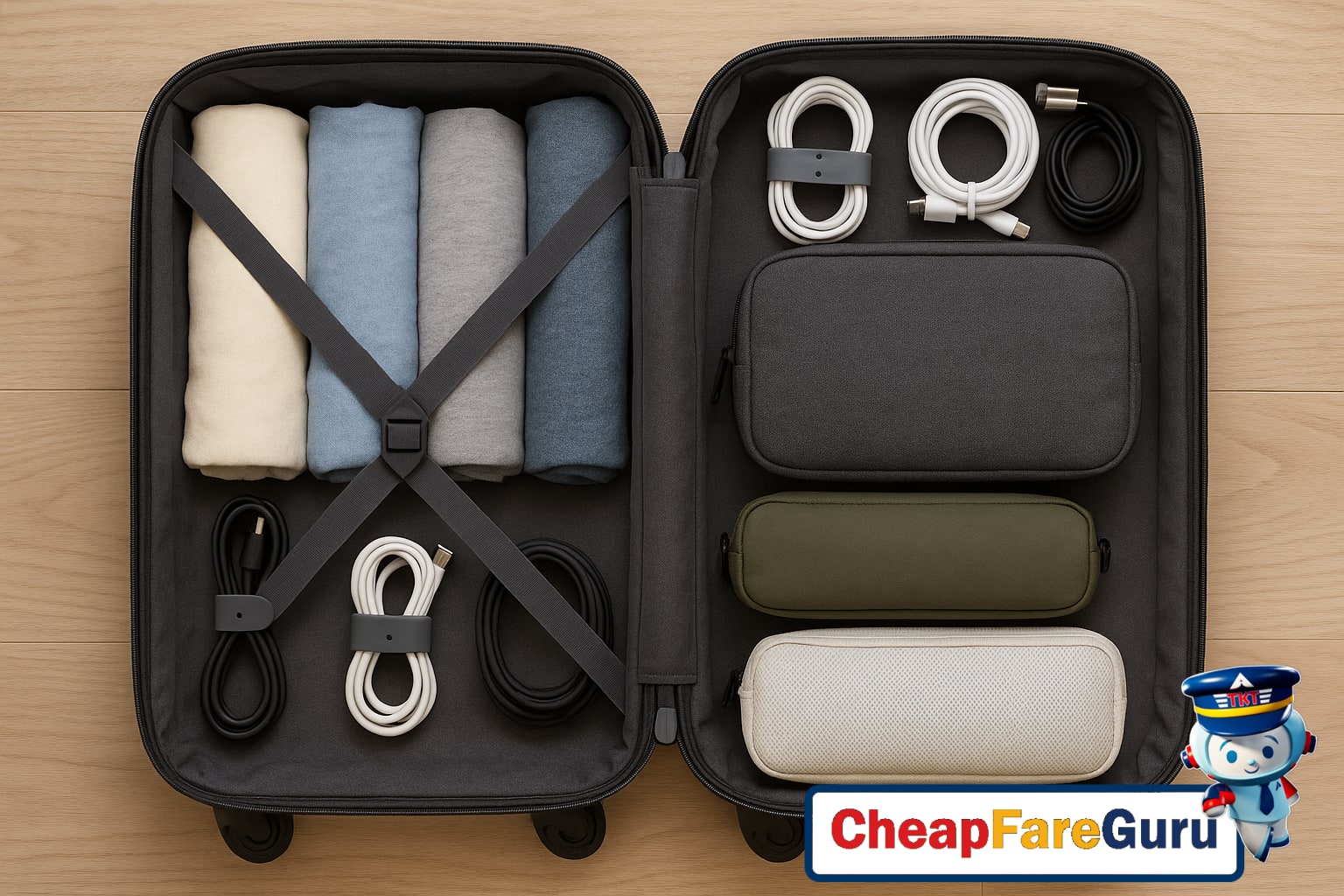
When it comes to integrating cables into your carry-on luggage, leverage your electronics bag as a centralized storage hub. Place all neatly coiled and secured cables in your bag’s dedicated pockets or smaller pouches. This way, they’re easily accessible, well-protected, and won’t take up unnecessary room. Avoid tossing loose cables inside your main luggage, where they often tangle with clothing.
For further space-saving, tuck cable organizers inside shoes or use the gaps around larger electronics such as laptops or tablets. This optimizes every inch of your luggage and keeps your essentials consolidated. Keeping cables grouped and accessible not only saves space but also reduces stress when you land and need to quickly set up your devices.
Follow TSA Compliance and Security Tips
Traveling with electronic accessories, especially cables and chargers, can be a hassle if you’re not familiar with TSA rules. The Transportation Security Administration (TSA) has specific guidelines on how electronic devices and their accessories must be handled during security screening to ensure smooth, hassle-free travel. Knowing and following these rules can help you avoid delays, confiscations, or extra scrutiny when passing through airport security checkpoints.
The TSA permits travelers to carry electronic devices like laptops, tablets, and smartphones in carry-on bags, along with their cables and accessories. However, cables should be neatly packed and easily accessible for inspection. Loose or tangled cords can slow down the screening process and may prompt TSA agents to request additional checks. Accessories such as charging blocks, headphones, and USB hubs are allowed, but any suspicious-looking items or equipment not clearly identified may require inspection.
When preparing for security screening, place all your cables, chargers, and electronic accessories in a dedicated pouch or compartment within your carry-on bag. This organization helps TSA officers quickly inspect your items without raising concerns. It is also advisable to remove larger electronic devices from your bag and place them in separate bins, as per TSA’s standard laptop screening procedures. Smaller accessories can remain inside your bag if well-organized and visible.
Remember to power on electronic devices before security checks if requested, as TSA agents may ask you to do so to verify the device is functional and not a security threat. Always check for the latest updates on TSA, FAA, and IATA websites, as security policies can evolve and differ by airport. For instance, some airports may have additional restrictions on battery-powered devices or limit the quantity of lithium-ion batteries you can carry.
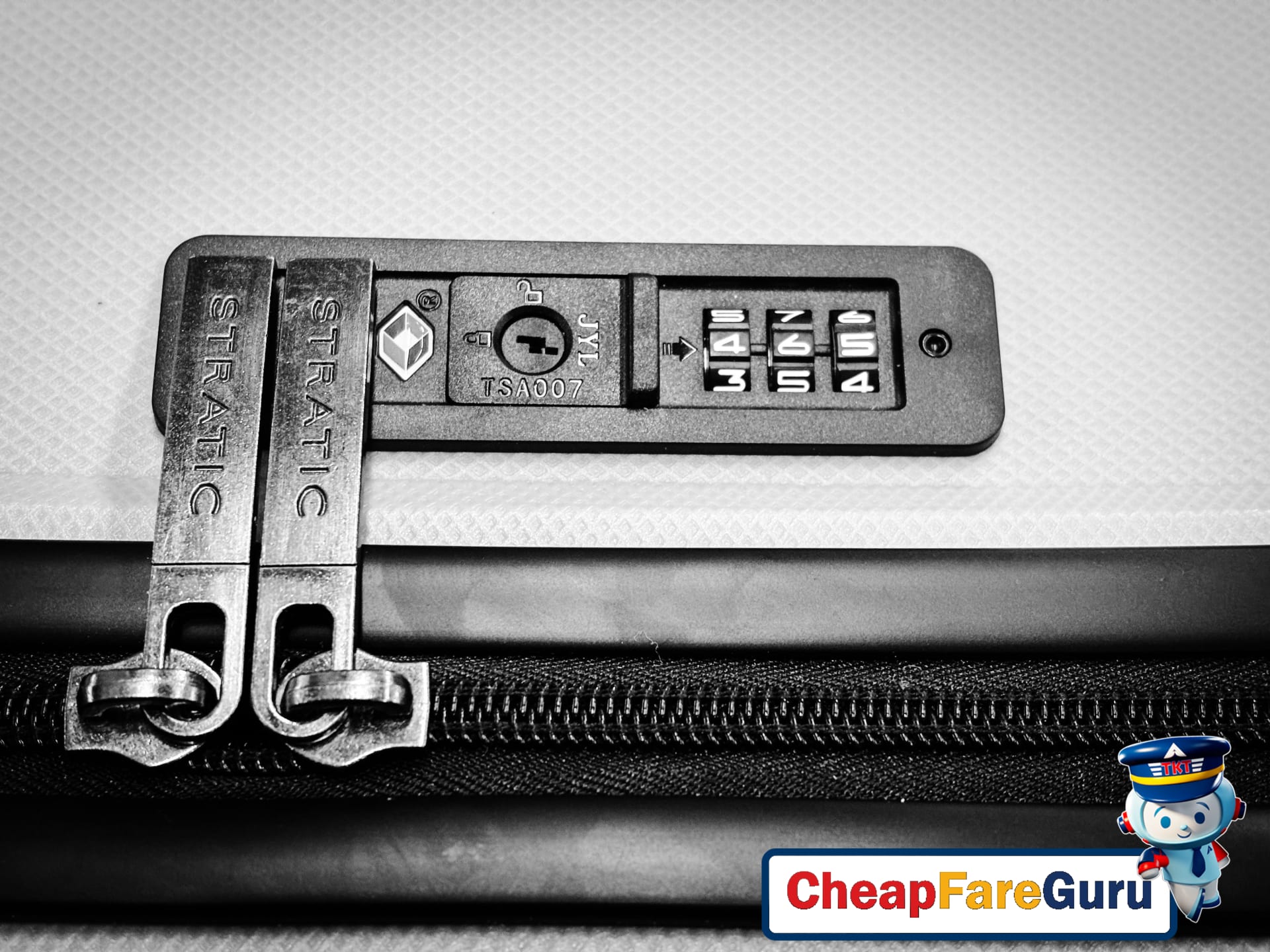
To summarize, follow these steps to stay TSA-compliant and reduce travel delays:
- Keep cables and accessories organized in clear, accessible pouches.
- Remove laptops and large electronics for separate screening.
- Power on devices if TSA requests functional verification.
- Check official TSA (tsa.gov), FAA (faa.gov), and IATA (iata.org) guidelines before traveling.
- Avoid placing batteries and power banks in checked luggage.
Balance Cable Weight for Comfortable Travel
Properly distributing the weight of your cables and electronics can make a significant difference in both comfort and avoiding unexpected overweight baggage fees. Whether you’re packing for a short flight or a long-haul journey, where and how you stow your chargers, adapters, and cables matters. Choosing between carry-on and checked luggage for these items depends largely on your travel duration and how often you’ll need access to your devices.
For shorter trips or flights where you need to stay connected, keep your essential cables—like phone chargers, laptop power cords, or noise-canceling headphone wires—in your carry-on. This ensures immediate access and safeguards these delicate electronics from damage or loss in checked bags. On longer trips, especially when dealing with bulkier or less frequently used cables, placing them in your checked luggage helps lighten your carry-on load and balance the overall weight.
To maintain comfort and avoid strain when carrying backpacks or suitcases, distribute cable weight evenly. Place heavier items close to your back or center, reducing awkward shifts that may cause back pain or discomfort during transit. Use packing cubes or cable organizers to group cables neatly and prevent tangles, which saves space and allows better weight distribution.
Prioritize placing your most important and heaviest cables in accessible compartments for convenience. For example, keeping your laptop charger near the top pocket of your bag allows quick retrieval for airport security checks or in-flight use. Meanwhile, bulkier cables that are rarely needed can be stored at the bottom or deep inside your suitcase where they won’t affect balance.
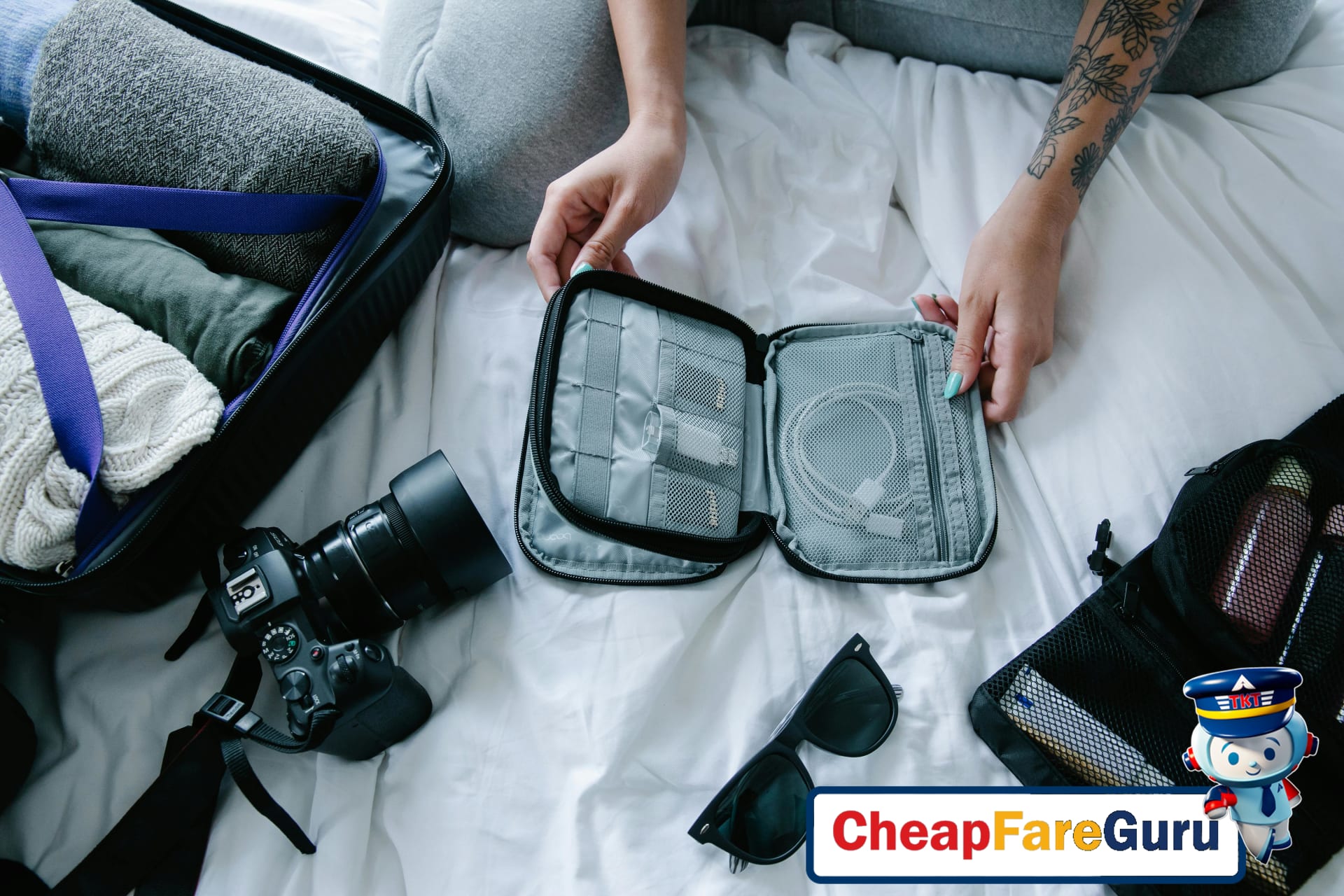
In summary, a mindful approach to cable packing improves your travel experience. Thoughtful placement helps avoid overweight fees, protects your gear, and makes carrying your luggage more comfortable. For more travel-saving tips and the best deals on flights and accommodations, visit CheapFareGuru.
Avoid Common Electronics Cable Packing Mistakes
When packing electronics cables for travel, many travelers make avoidable mistakes that can lead to frustration and disorganization. Overpacking is one of the most frequent errors—bringing an excessive number of cables not only adds unnecessary weight but also complicates your packing process. Often, travelers toss all cords into one bag without sorting by device type, resulting in a tangled mess that wastes time and risks damaging cables.
Another common problem is mixing incompatible cables together. Different devices require specific cords; using the wrong charger or cable can cause device malfunctions or deteriorate the cable itself. Additionally, many travelers overlook labeling their cables, making it difficult to identify the correct one quickly during the trip.
To streamline your packing, start by assessing which devices you truly need to charge or connect while traveling. Pack only the cables essential for those devices, cutting down excess bulk. Organize cables by device type to keep them separated, such as keeping phone chargers, laptop cords, and headphone cables in their own pouches or compartments.
Before you finish packing, check cable compatibility carefully. Verify that your chargers match the voltage and plug type for your destination to avoid electrical issues. If possible, bring universal adapters to handle multiple plug types with fewer cables.
Maintain a packing checklist dedicated to electronics and accessories. This checklist ensures you don’t forget critical cables or bring unnecessary extras. By adhering to your checklist, you can double-check compatibility, labeling, and quantity before closing your bags.
Following these packing strategies reduces stress and keeps your electronics organized throughout your trip. For more travel tips and to find affordable flights for your next journey, visit CheapFareGuru.
Electronics Cable Packing FAQs
What essential cables should I pack for a 3-day trip?
Pack charging cables for your phone, laptop, and any other primary devices. Include a USB-C, Lightning, or micro-USB depending on your gear. Also, bring a portable power bank and an adapter if traveling abroad to ensure uninterrupted use of all electronics.
How can I keep cables organized and tangle-free while traveling?
Use cable organizers like small pouches, twist ties, or dedicated cable winders. Labeling cords and keeping them separated in compartments prevents tangling. This simple practice streamlines electronics cables packing and protects your gear from damage.
When should I pack cables in checked luggage instead of carry-on?
Pack cables in checked luggage if they aren’t immediately needed during your flight to free up space. However, for charging devices during travel or passing through TSA security smoothly, keep essential cables in your carry-on bag.
Why is TSA compliance important for electronics accessories?
TSA compliance ensures your electronics cables and accessories meet security regulations, preventing delays or confiscations. Properly packed cables help security officers quickly inspect your items, making your airport experience faster and hassle-free.
Can I bring multiple charging cables through airport security?
Yes, you can bring multiple charging cables through airport security as long as they are organized and easily accessible. Avoid packing them in bulky clusters to speed up the TSA screening process and reduce the chance of cables being damaged.
What are the best budget brands for durable cables?
Affordable brands like Anker, Aukey, and AmazonBasics offer reliable, durable electronics cables without breaking the bank. These brands balance quality with cost, perfect for travelers seeking long-lasting cables on a budget.
How do I avoid overpacking cables for business travel?
Prioritize only essential cables compatible with your devices. Plan your charging needs and eliminate duplicates to minimize clutter. Efficient electronics cables packing means carrying just what you need to stay connected without excess baggage weight.
Simplify Travel with Smart Cable Packing
Organizing your electronics cables efficiently is key to hassle-free travel. Using a checklist to keep track of chargers, adapters, and cables ensures nothing gets left behind. Thoughtful organization not only prevents frustration but also speeds up packing and unpacking, giving you more time to enjoy your trip.
Space-saving techniques can make a big difference in your luggage. Compact cable wraps, zippered pouches, or dedicated electronic organizers help keep cords untangled and save precious suitcase room. Rolling cables instead of folding reduces wear and maximizes space, allowing you to carry more essentials without bulk.
Preparing your electronics cables for TSA screening is another important step. Keep chargers and cables easily accessible in your carry-on to facilitate quick inspections. Removing bulky power banks and transporting them according to airline rules avoids delays. Staying informed on TSA regulations helps you breeze through security checkpoints smoothly.
Avoid common packing mistakes such as overpacking cables you don’t need or forgetting necessary adapters for international outlets. Double-check your checklist before departure and pack only what is essential. This approach lightens your load and reduces the hassle of managing excess items during your journey.
By applying these smart packing strategies, you’ll enjoy a more organized carry-on, faster security checks, and less stress during travel. For seamless trip planning and budget-friendly airfare, explore the best flight deals and travel resources at CheapFareGuru. Let us help simplify your travel experience from start to finish.